
Ship changes at the speed of conversation
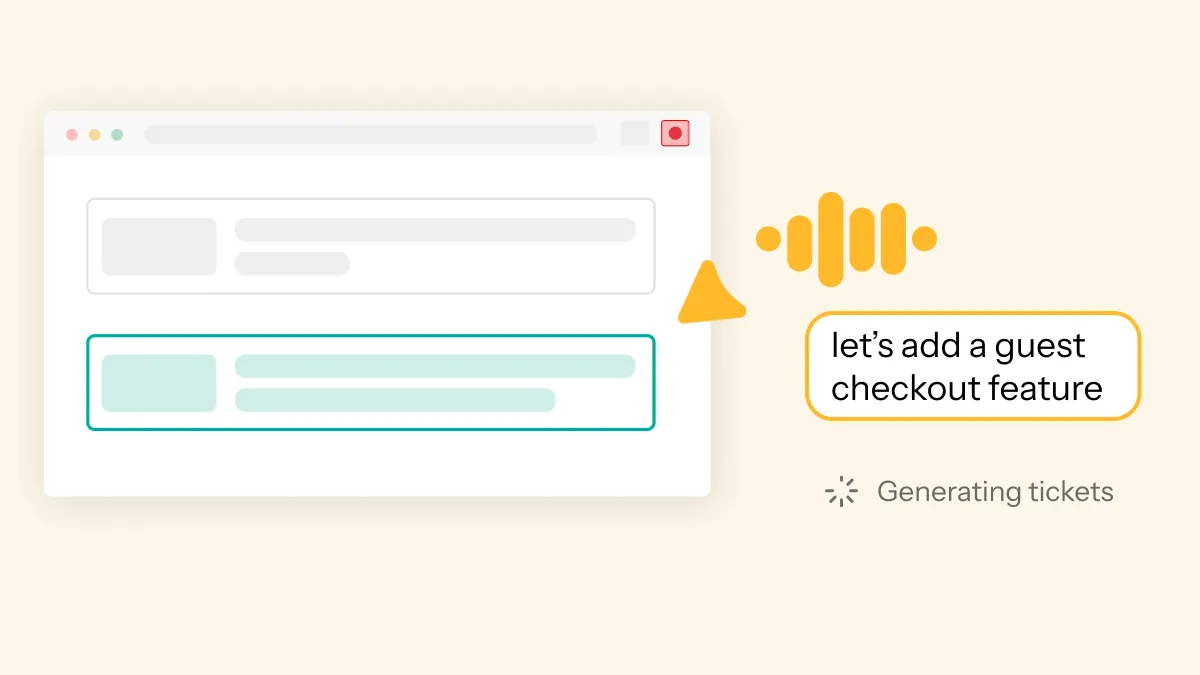
To get started, simply press record, chat through changes you want to make on your live product (just like you would to your team), and point to anything on your screen. Rezonant Alter will capture everything - both what's being said out loud and shown on screen - and break it down into context-aware tickets that you can ship straight to Linear, Jira, or your favourite coding agent.
Describe your change in plain English - "make this button blue" or "add a confirmation dialog before submitting" - and Alter packages it into a structured ticket with all the technical context needed to ship. You can also use the 'Select' button to select any UI elements on your app, type out changes or tweak the design.
Rezonant Alter is great for any non-technical people who want to make small tweaks or UI updates without having to get an engineer involved.
No more screenshots with arrows. No more "the button on the page with the thing." Just point, describe, and ship - the code context comes automatically.
Switch between tabs
You can switch between designs, prototypes, staging and production - Alter will transform everything shown on screen into a spec that's grounded in your real architecture. Connect up your Lovable repository to carry your prototype all the way through to your live product.
What makes Alter different
See what you're changing
A visual interface that maps UI elements directly to the code behind them. No HTML. No CSS. No guessing.
Explain it like a human
Describe changes in plain language, the same way you'd explain them to a designer or PM.
One change, one ticket
Each change you describe becomes its own focused task with the exact code context needed. No scope creep, no mixed concerns.
Knows your system
Understands your codebase and takes context from your Linear or Jira projects to create relevant, well-informed tasks.
Built for everyone on your team
Product managers can request changes without writing specs or playing telephone with engineers. Just show what you want changed and describe the desired behavior.
Designers can flag visual inconsistencies and suggest improvements in context, with direct links to the relevant components.
Marketers and copywriters can make quick changes to the branding and copy.
QA teams can report bugs with full technical context, eliminating the back-and-forth of reproduction steps and environment details.
Customer success can capture user feedback directly and turn it into actionable work without engineering triage.
Frequently asked questions
Does it work on any web app?
Rezonant Alter works on any website or web application. Make sure Rezonant is connected to your relevant GitHub repository to understand your codebase.
How do I use Rezonant Alter?
Install Rezonant Alter from the Chrome Web Store, then pin it and log into your Rezonant account. To capture feedback or request changes, just hit record, and talk through anything you want to change. You can point at anything on your screen, switch between tabs, and click save. You can also use the 'Select' tool to click on elements and type out your change or tweak the design. Your changes will be fed into the Rezonant chat, where you can turn them into a spec or tickets.
Do I need to connect to GitHub/GitLab to use it?
Yes, you need to connect Rezonant to your codebase repos in order to use Rezonant Alter. This allows Rezonant to translate your visual selections and feedback into engineering-ready tickets with full code context.